
Desktop App
The desktop app lives in desktop/ and uses Tauri, Vite, React, TypeScript, and the root Rust crate. It is designed as a local music-generation tool rather than a video editor.
Workflow
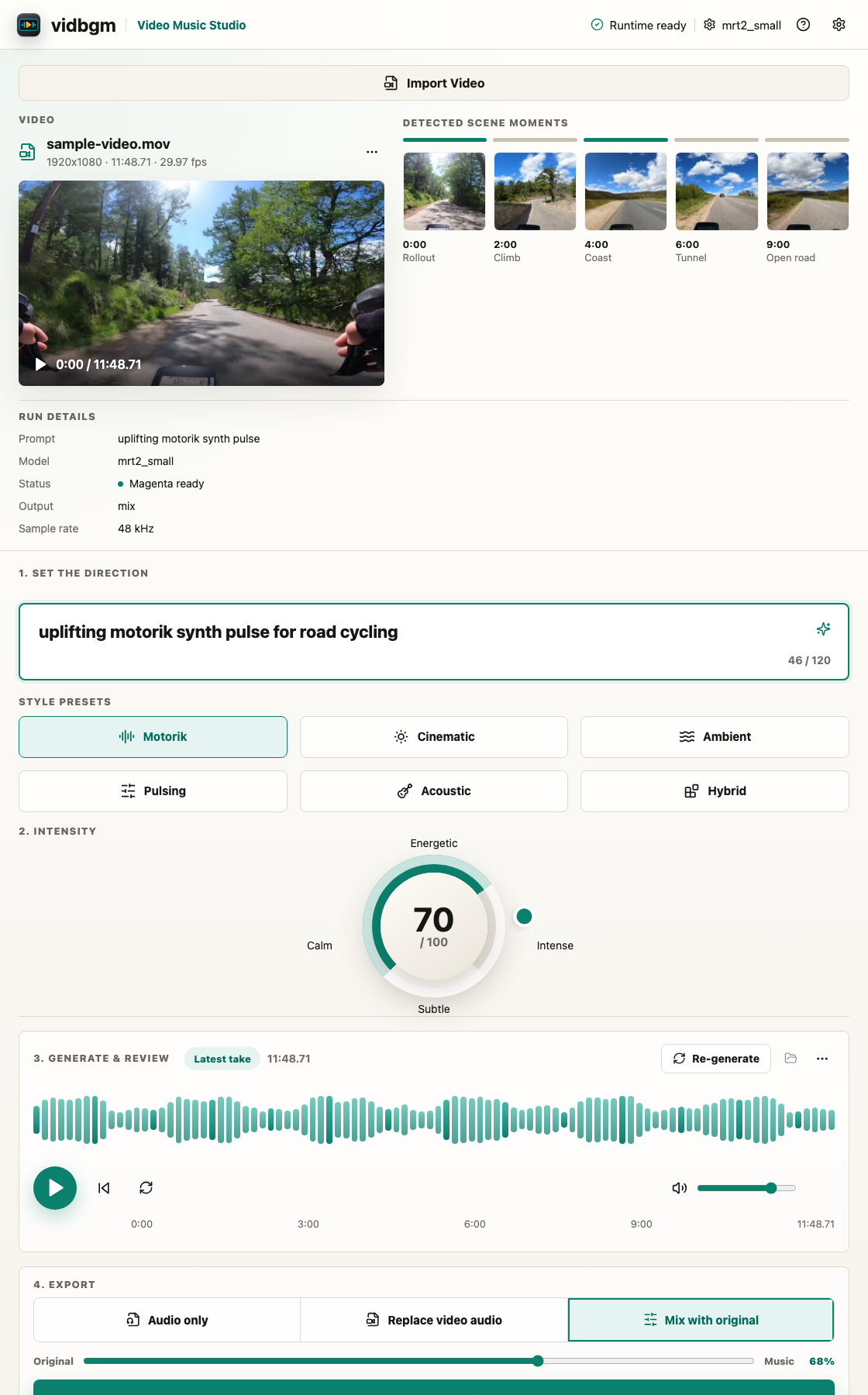
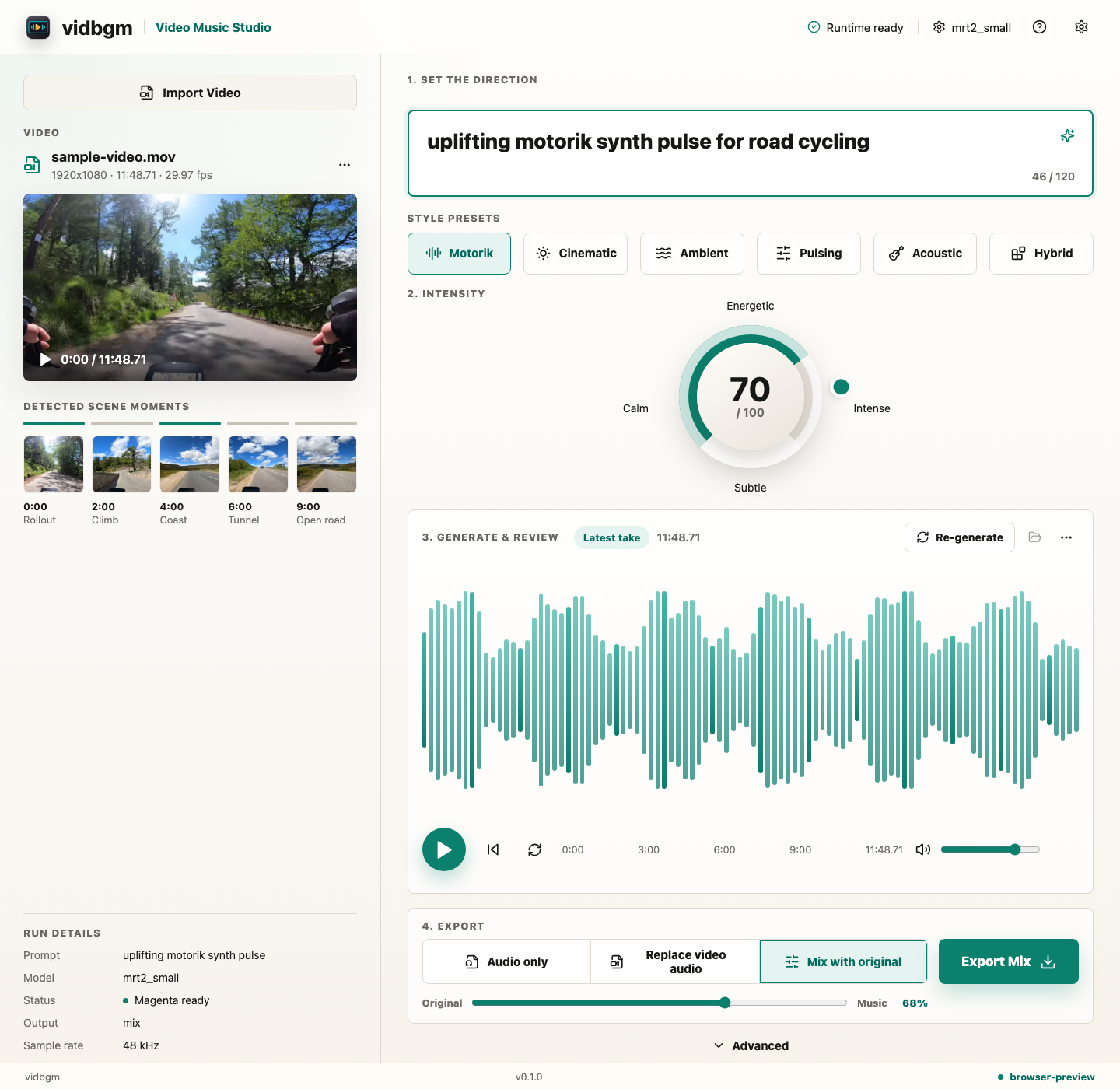
- Import one local video.
- Review detected video metadata and scene moments.
- Write one short music direction.
- Pick a style preset and intensity.
- Generate and review the score waveform.
- Export audio-only, replace-video-audio, or mix-with-original output.
Open the workflow tutorial for the full step-by-step walkthrough.
Run The Frontend Preview
cd desktop
pnpm dev
The browser preview uses mocked native state for the happy path. Real import, generation, artifact reveal, and export run inside the Tauri app.
Run The Tauri App
cd desktop
pnpm tauri dev
Package The App
Prepare redistributable FFmpeg sidecars before a release package:
cd desktop
VIDBGM_FFMPEG=/path/to/ffmpeg \
VIDBGM_FFPROBE=/path/to/ffprobe \
pnpm prepare:ffmpeg-sidecars
Development builds create PATH-forwarding debug wrappers automatically, but release packaging rejects those wrappers. Use LGPL-compatible FFmpeg/FFprobe binaries for release builds and keep license notices with the package.
cd desktop
pnpm package:app
The desktop app calls typed Tauri commands backed by the shared Rust code:
probe_videogenerate_musicmagenta_statussetup_magentacancel_runopen_artifact
Export Modes
| Mode | Result |
|---|---|
| Audio only | Writes a generated WAV. |
| Replace video audio | Writes a movie with generated music replacing the source audio. |
| Mix with original | Writes a movie with generated music mixed under or over the source audio. |
Runtime Dependencies
The desktop app resolves media tools in this order:
VIDBGM_FFMPEG/VIDBGM_FFPROBEenvironment overrides.- Bundled Tauri sidecars.
ffmpeg/ffprobeonPATHfor development.
Magenta model files are not bundled. The app exposes a first-run setup action that downloads the selected model and shared resources into the Tauri app data directory. Generation uses that app-data Magenta cache, so the music-generation path runs locally after setup. Development can still resolve a locally built bridge from the source checkout or VIDBGM_MAGENTA_BRIDGE.